
Platform Features
Everything your project needs. One platform.
From daily field logs to AI-powered reports — ConstruC covers the full lifecycle of construction project management.
Daily Logs & Site Activity
Digital daily reports with photos, weather tracking, crew counts, and material logs — all from your phone on the job site.
RFIs, Submittals & Documents
Full document workflows with submit, respond, approve cycles. Trade-based permissions control who can act on each document type.
ConstruC Intelligence
Ask @ConstruC anything about your project. AI searches across documents, tasks, meetings, budget, and 16 data sources to answer instantly.
Meeting Recording & Reports
Record meetings, AI transcribes them, and auto-generates structured reports with action items, decisions, and risk flags.
Drawings & Markup
Upload drawing sets by discipline, annotate issues directly on sheets, and track resolution status by trade.
Budget & Cost Tracking
Track actual vs. planned costs by trade and cost code. See budget variance, committed costs, and projected totals in real time.
Your project's AI brain.
ConstruC Intelligence lives inside your project channels. It reads every document, task, meeting transcript, budget entry, and drawing issue — then answers your questions with real data, not guesses.
Ask anything about your project
Type @ConstruC in any channel and ask a question — it searches all your project data to answer.
16 data sources, one answer
Documents, tasks, meetings, transcripts, budget, drawings, inspections, wiki, messages, and more.
AI-generated reports
Generate branded PDF and DOCX reports from any combination of project data — daily logs, RFIs, inspections.
Trade-aware templates
Each trade uploads their report template. ConstruC AI matches colors, fonts, and layout automatically.
@ConstruC What decisions were made in yesterday's meeting?
In yesterday's Site Coordination Meeting (Mar 27): • Concrete pour for Level 3 approved for Thursday • MEP rough-in schedule pushed 2 days due to material delay • Safety team approved new scaffolding plan for east elevation 3 action items assigned to the GC team with Friday deadline.
How It Works
From field to dashboard in three steps.
01
Capture
Log activity, snap photos, and record updates from the field.
02
Sync
Data flows in real-time to your project dashboard. Nothing gets lost.
03
Control
Track tasks, approvals, and reports from one command center.
And There's More
Built for how construction actually works.
Real-time Chat Channels
Slack-like messaging with @mentions, file sharing, and project-specific channels.
Inspection Checklists
Create trade-based inspections with pass/fail items, photo evidence, and issue tracking.
Wiki / Knowledge Base
Build a project knowledge base with specs, SOPs, and safety docs — searchable by AI.
Custom Report Templates
Upload your report format. AI extracts your colors, fonts, and layout for branded PDFs.
Task Dependencies
Link tasks with blocks, blocked-by, and relates-to relationships to track the critical path.
External Sharing
Share documents and reports with clients or vendors via secure, time-limited links.
Smart Notifications
Real-time alerts for document status changes, task assignments, mentions, and overdue items.
15 Trade Permissions
Architect, GC, MEP, structural — each trade sees only what they need. Managers see everything.
Your Differentiator
Your Project. One Command Center.
Everything your team needs — live logs, tasks, approvals, and reports — in one view.
24
Active Tasks
3
RFIs Open
12
Daily Logs
5 Pending
Inspections
Recent Activity
Built for the Field
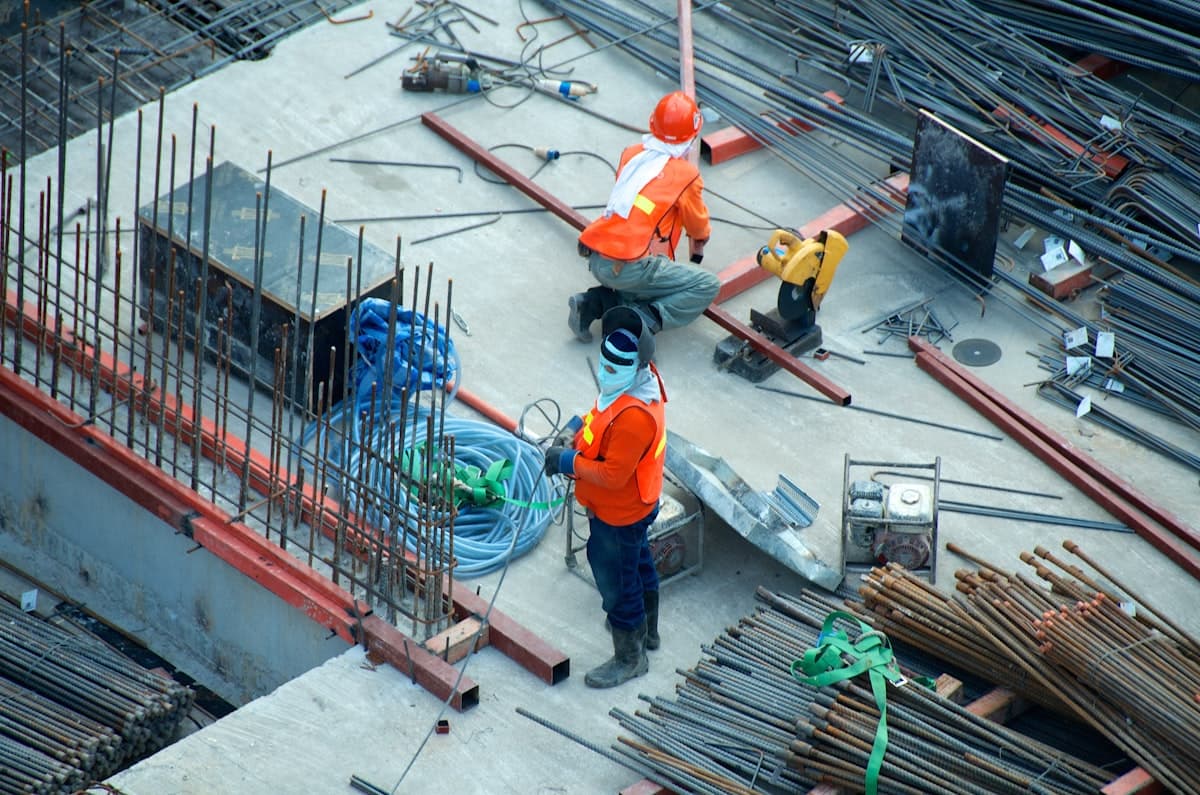
Built for the field — not the office.
ConstruC is designed for the realities of construction — dust, rain, and tight deadlines. Not another corporate tool forced onto your crew.
Testimonials
Trusted by Teams in the Field
Hear from construction professionals who run their sites with ConstruC.
“ConstruC replaced our WhatsApp groups and email chains overnight. Daily logs, RFIs, and document approvals — everything is in one place now.”
Maria Santos
Superintendent, Apex Builders
“The AI meeting transcription is incredible. We record the meeting, and ConstruC gives us a structured report with action items in minutes.”
James Thornton
Project Manager, Summit Construction
“Being able to ask @ConstruC a question and get an answer from our actual project data — that alone is worth it. No more digging through files.”
David Kim
Owner's Representative, Meridian Development